Connect a sensor. Display a reading. Understand where the energy goes. Quiet Bee brings together hands-on projects to help you learn how to build with an ESP32.
A development board, a breadboard and a few wires are enough to get started. The aim is to connect what you see in the program with what actually happens in your circuit.
The lab tutorials cover components, wiring and code. Testing also helps explain errors: an incompatible display driver, a misidentified pin or a clock that resets after a power cut.
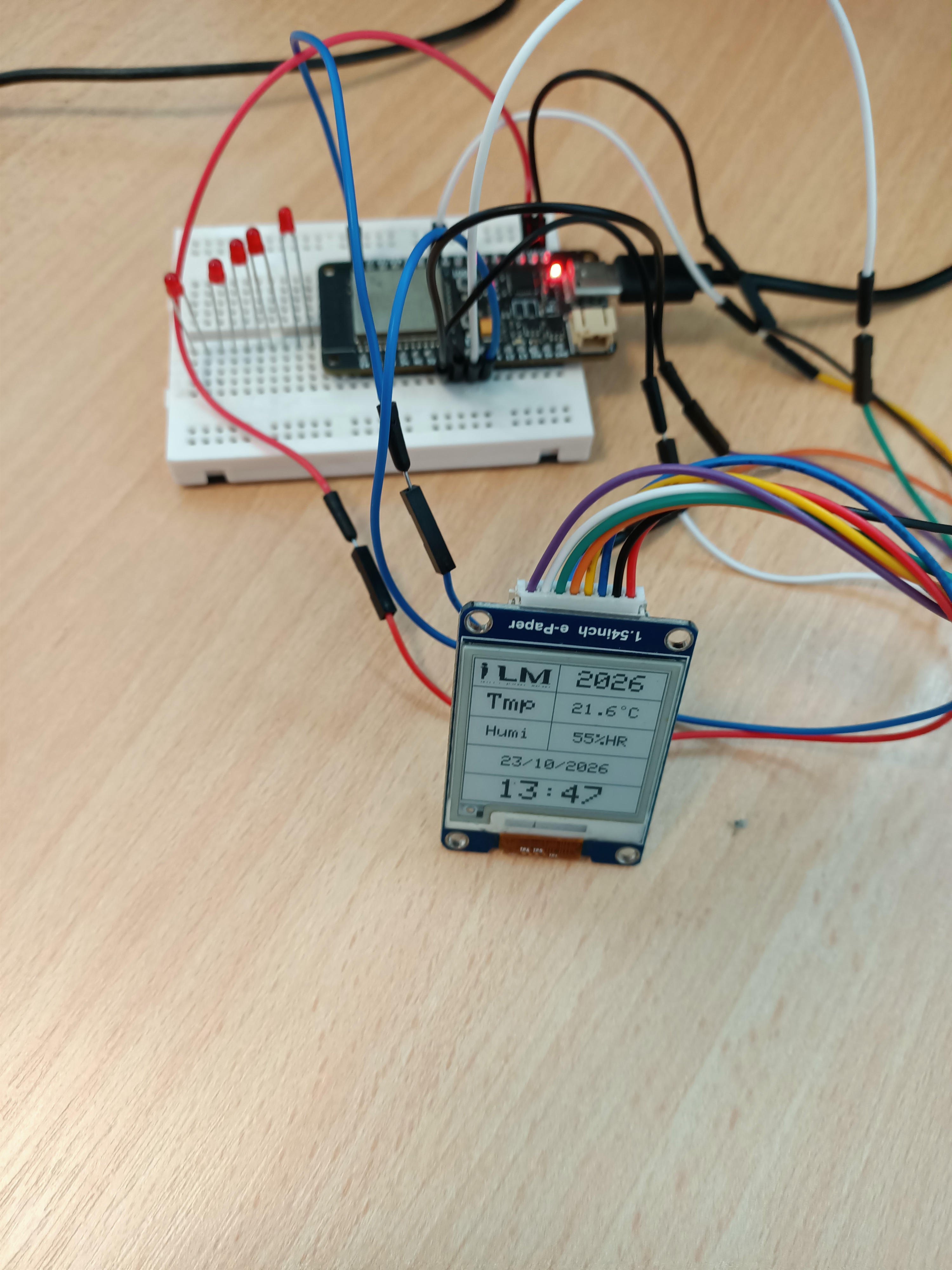
A logo, temperature, humidity, date and time on a black-and-white 200 × 200 pixel display. This first version uses simulated values to test the screen without a sensor.
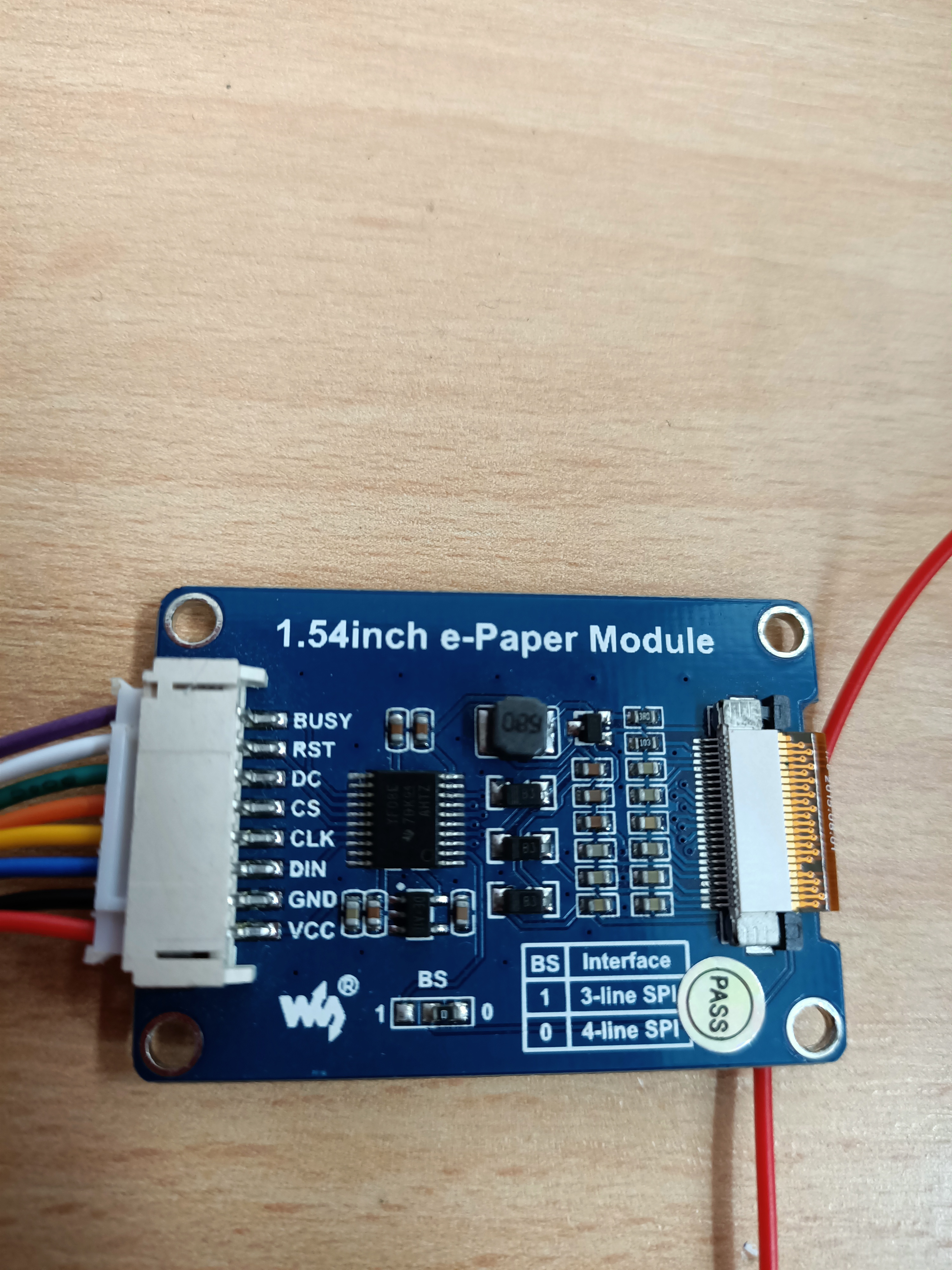
All eight connections, identified by signal name and wire colour.
Complete Arduino code with the logo included.
Full refresh, partial refresh and deep sleep explained.
Electronic paper retains its image without continuous refreshing. It is useful when information changes slowly and needs to remain readable between updates.
Putting the display to sleep does not put the ESP32 to sleep. A battery-powered project needs coordinated wake-ups, processing and display updates, followed by measurements of the complete circuit.